Software and apps
Web application
Not a website: an interface people work in rather than read. Needed when a process already exists and lives in spreadsheets, chats or on paper, and it is time to bring it into one place.
[ 01 ]
What matters here
Staff working speed, not visual polish
Screens are designed around what a person does forty times a day. Two fewer clicks in a frequent operation add up to an hour of working time a month per employee, and that is the only metric by which such an interface is worth judging.
A beautiful application that is awkward for data entry loses to a spreadsheet: people will quietly go back to Excel, and the system will sit unused.
A website is read and left
one-off
An application is worked in
every day
Screens built for operations, not for show
goal
[ 02 ]
What’s included
What’s included in a web application
Click an item and it goes straight into your request
[ 03 ]
How we work
How work on the application goes
We examine the process as it is
How the process works today, including exceptions and the workarounds people actually use.
Scenarios and roles
Key work scenarios, roles and permissions, what each person sees and can do.
Working screens
Screens for frequent operations: minimum clicks, input without extra navigation, data tables with filters.
Integrations and exports
Connection to the tools already in use, reports and exports in familiar formats.
Data migration and launch
Moving data from spreadsheets or the old system, training, launch.
[ 04 ]
Stack and what we need from you
Stack and what we need from you
Tech stack
- React + Vite
- Roles and permissions
- Data tables with filters
- Change history
- API integrations
- Hosting on our side or yours
What we need from you
- How the process works now, including exceptions
- Who does what
- Where the data lives now
- How many people will work in the system
- Feedback on mockups within ___ business days
[ 05 ]
Work examples
What we have built in this area
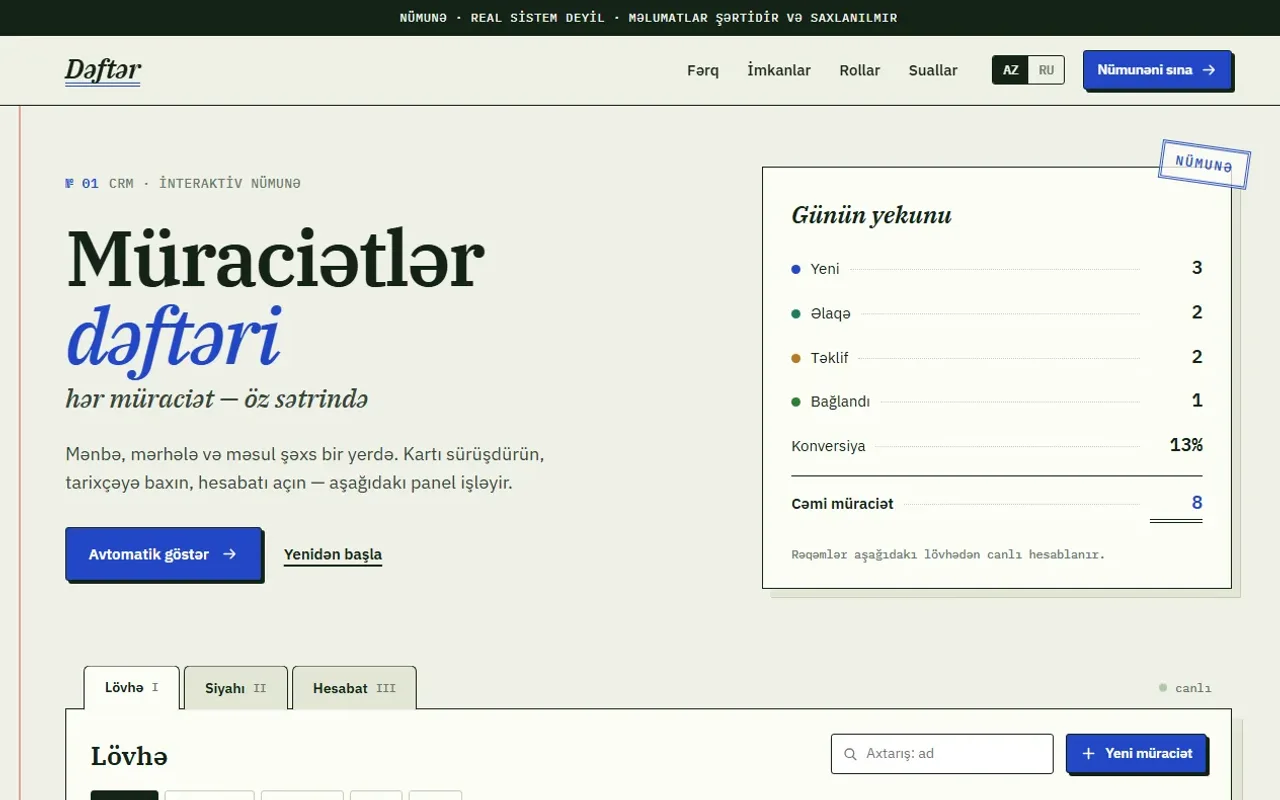
Live client websites and demonstration examples: each card shows whether it is a working project or an example.
All projects →
[ 06 ]
Pricing
How much a web application costs
from
per project
The price depends on the number of scenarios and roles, the number of working screens and the set of integrations. We name the exact figure after reviewing the process.
Get an estimateIncluded in the price
Designing scenarios and roles
Working screens and data tables
Change history
Reports and exports
One-time data migration
Priced separately
Integrations with complex or closed systems
A mobile app instead of a responsive version
Analytics dashboards beyond reports
Revisions after approval round ___
Support and improvements — from ___ per month
We fix the estimate before work begins. New scenarios and integrations along the way are estimated separately, not quietly added to the bill.
Nearby
On this topic in our library
1C integration with websites, online stores and CRMs
Solution →
API integrations between business systems
Solution →
Customer portals and personal accounts
Solution →
Internal tools and admin panels for your team
Solution →
Legacy software modernisation
Solution →
Mobile app development for iOS and Android
Solution →
MVP development for startups and new products
Solution →
Online booking and appointment systems
Solution →